dani lee
The YouTube Vlog Workflow Template
The YouTube Vlog Workflow Template
Couldn't load pickup availability
The YouTube Vlog Workflow Template⟢
A complete creative system to guide your next video—from idea to upload.
This is the exact Milanote template I use for every episode of my Dani’s Diaries Vlog Series—the same system that’s helped me stay consistent, grow my channel by over 15K subscribers, and create vlogs that actually feel like me.
Whether you’re just starting out or want to make your workflow more intentional, this template walks you through every step of the creative process, from your first brainstorm to your final upload (and reflection after it’s live).
please note: If you’ve already purchased The YouTube Blueprint Guide, this template is included in that purchase. No need to buy it separately!
How It Works:
This template is built in Milanote, a visual workspace that’s free to use with no time limit.
Just create a free account, duplicate this board, and start plotting out your YouTube video!
What’s Inside:
Home Board — Your Central Hub
- Notes & To-Do Section – Capture ideas, reminders, and next steps all in one place.
- Planning Section – Create deadlines for your video timeline—plus quick links to the Brainstorming Board and Scripting Board.
- Filming Section – Outline your video structure and prep your equipment list to get shoot-ready.
- Editing Section – A streamlined checklist for post-production, with direct links to your branding board for a cohesive look.
- Upload Section – Draft your final title and follow along my upload checklist
- Reflection Notes – Guided prompts to help you review and improve after each video.
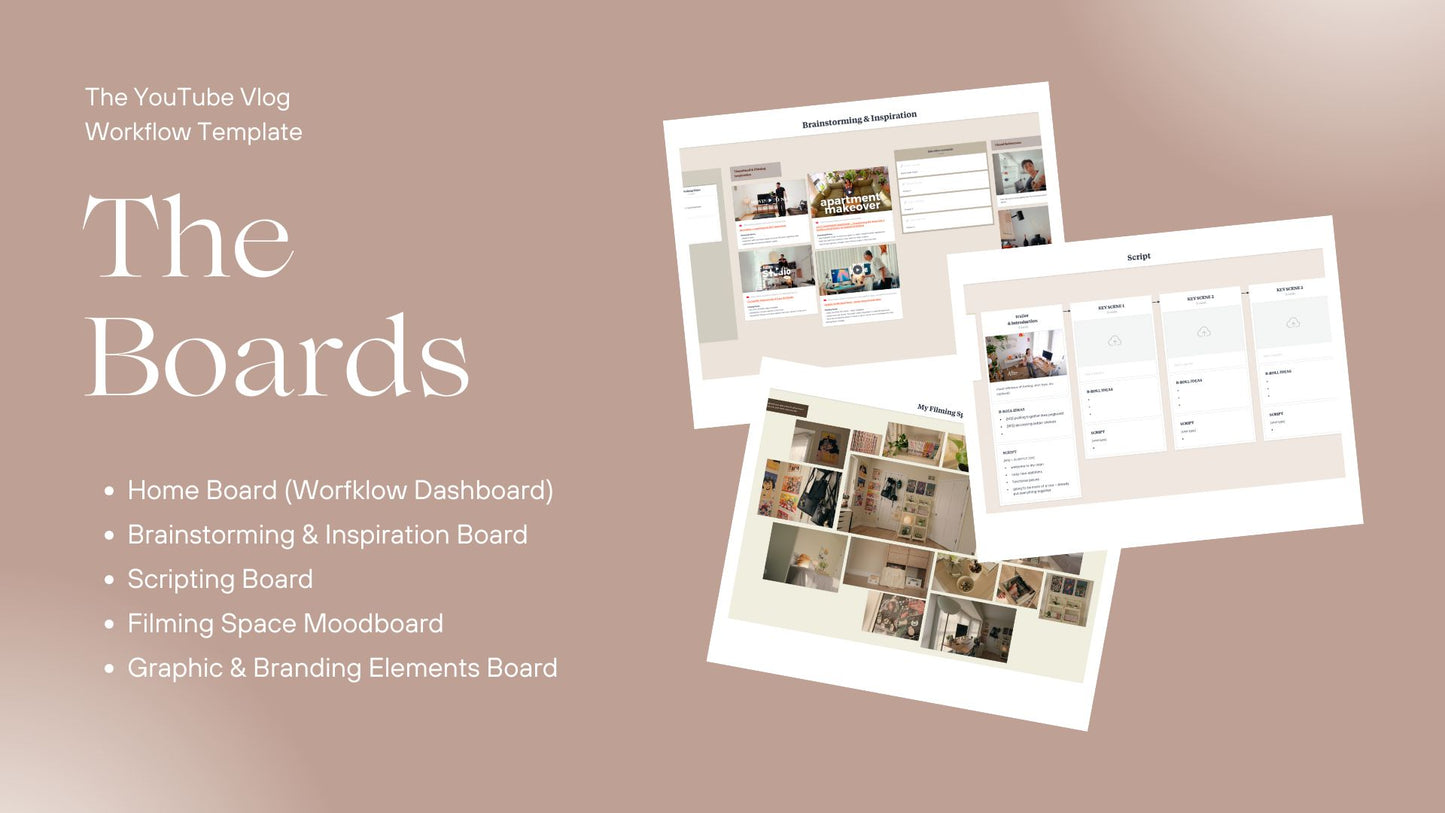
Additional Boards Included:
- Brainstorming & Inspiration Board – Develop your core message, collect visual and title ideas, and build moodboards to set the tone.
- Scripting Board – Simplify filming by breaking down scenes, b-roll, and shots in an easy format.
- Filming Space Moodboard – Visualize and design a consistent look for your setup.
- Graphic & Branding Elements Board – Organize your fonts, colors, and styles to showcase your unique aesthetic.
This Template Helps You:
- Map out your vlog’s entire structure from start to finish
- Clarify your video’s core message to make it meaningful
- Gather thumbnail and filming inspiration ahead of time
- Simplify scripting and shot planning so you know exactly what to film
- Streamline editing and post-production with repeatable checklists
- Reflect after every video to continually improve your process
For Creators Who:
- Want a creative system with flexibility built in
- Are building personal or lifestyle channels but need more structure
- Care about aesthetics, storytelling, and intentional growth
- Want a repeatable workflow
Final Note⟢
This is the stand-alone template for creators who want the workflow system by itself.
If you’ve already purchased The YouTube Blueprint Guide, you already have access to this template—no need to buy it again.
If you’re looking for the full guide, which includes the complete strategy behind how I plan, film, edit, and grow my channel—with real examples, filming tips, and my full creative process—you can find it here.